Lead Generation
WhatsApp For Business: Capturing And Converting Leads
By GrowX Team · · 4 min read
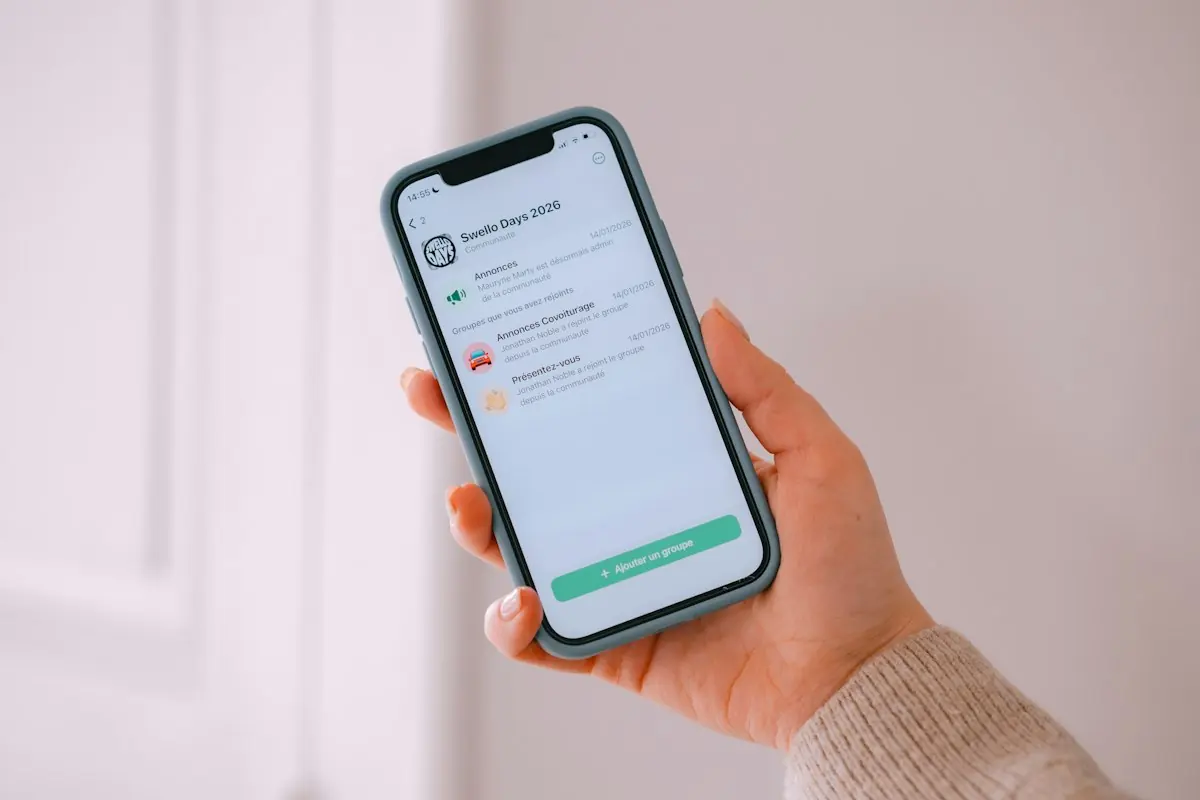
Make Conversation Easier, Not More Intrusive
WhatsApp can suit customers who want to ask a short question, share a photograph or check availability before booking. It becomes useful when the conversation has an owner and a next step. Adding a chat button without a response process simply creates another place to lose enquiries.
Decide which requests belong there. A property maintenance firm might accept photographs for initial assessment but explain that diagnosis and pricing may require a visit. Do not present messaging as an emergency service unless you genuinely provide and staff one.
Set Up A Recognisable Business Presence
Use an accurate business profile with your trading name, contact information and opening hours. Keep access under business control rather than relying on an employee’s personal account. Review device security, staff permissions and what happens when someone leaves.
The WhatsApp Business App can suit a small team handling conversations directly. The Business Platform supports integrations and more structured workflows, but involves different setup and messaging rules. Choose based on how you actually work rather than assuming the more complicated option will produce better leads.
- Publish realistic response hours.
- Use an away message that explains when you will reply.
- Prepare helpful replies without making every conversation robotic.
- Keep sensitive information out of unnecessary shared chats.
Invite A Specific First Message
Place a WhatsApp link beside a relevant service description and tell people what to send. A hypothetical repair business could suggest: “Tell us your postcode, the item needing attention and a brief description.” Offer alternatives for people who do not use WhatsApp.
Ask for photographs only when useful, and warn people not to include private documents or unrelated personal information. Keep the initial prompt short. Once someone responds, ask the next relevant question rather than sending a large questionnaire that ignores what they already explained.
Separate Enquiry Replies From Marketing
Meta requires opt-in before business-initiated WhatsApp messaging: people must provide their number and permission to hear from the named business. Make message types clear and honour requests to stop. Platform permission does not replace UK law.
Under PECR, unsolicited electronic marketing to individual subscribers generally needs consent or a valid soft opt-in. Consumers, sole traders and some partnerships are individual subscribers; corporate subscribers have different electronic-marketing consent rules, while UK GDPR still applies to personal data.
Answering a requested quote is different from adding someone to a promotional list. A number shared for a job discussion is not blanket permission for offers. A clear, separate WhatsApp marketing opt-in is a practical approach; record it, explain withdrawal and maintain suppression records.
Move From Chat To An Agreed Action
Summarise the request, confirm whether you cover it and propose a concrete next step. That could be an assessment call, a visit or a request for missing details. Repeat important booking information so the customer can correct misunderstandings before work is scheduled.
Use internal labels or records to distinguish new enquiries, awaiting information, quoted and booked work. Assign one owner for each lead. If the conversation moves to another colleague, record the context so the customer does not need to explain everything again.
For the Business Platform, messages outside the customer service window require approved templates. Do not apply that Platform rule indiscriminately to Business App conversations, and do not assume template approval supplies marketing consent.
Review Quality And Protect The Channel
Monitor useful conversations, bookings and reasons enquiries stall. Avoid judging the channel only by message volume. Set a retention approach, restrict access to customer details and use your privacy notice to explain relevant processing. Stop unwanted follow-ups promptly rather than treating silence as encouragement.
Build A Better Conversation Route
Talk to GrowX about connecting WhatsApp entry points with clearer service pages and a manageable enquiry process, so customers know what to send and your team knows what happens next.
Frequently Asked Questions
Can I message an old customer with an offer?
Not automatically. Check platform permission and the applicable PECR route before sending promotional messages.
Should every enquiry stay in WhatsApp?
No. Move to a suitable call, booking system or secure process when needed, explaining the handover clearly.