Google Business Profile
Using Google Business Profile Insights To Track Performance
By GrowX Team · · 4 min read
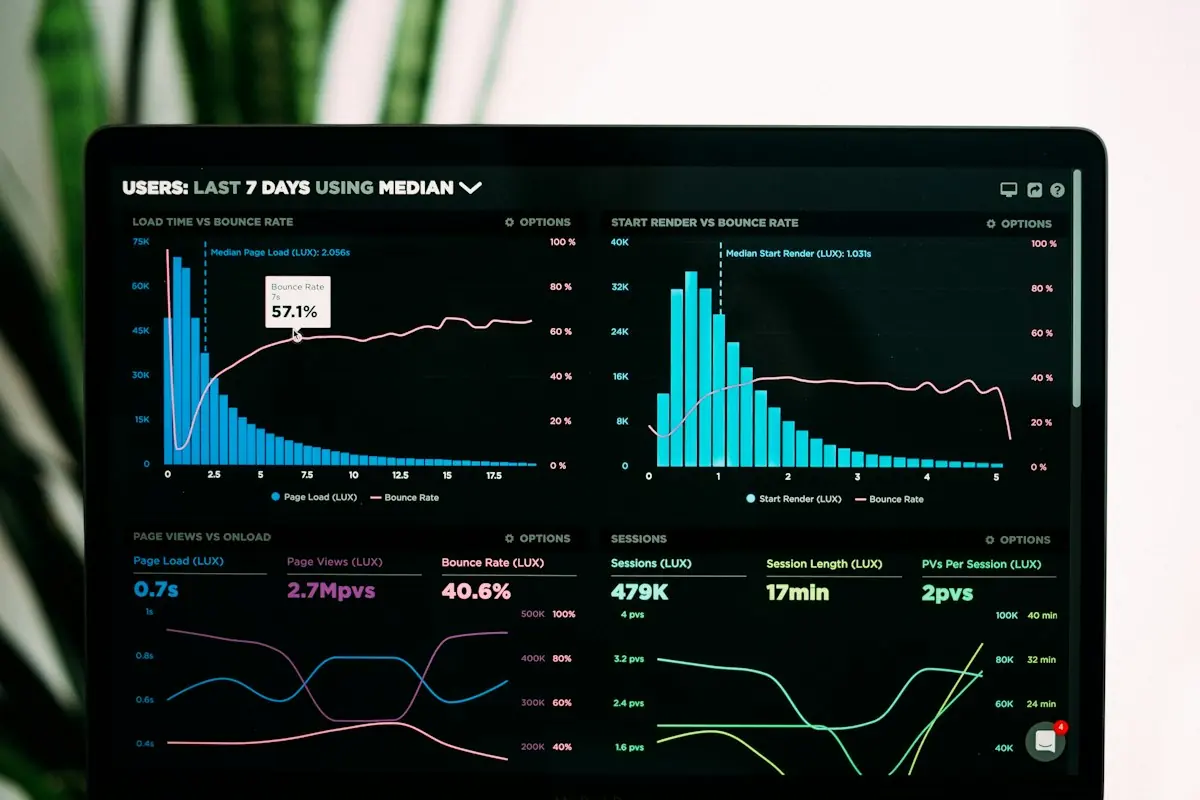
Understand what Insights measures today
Many business owners still call it Google Business Profile Insights, although Google's current reporting area is labelled Performance. It helps you understand how people discover and interact with your profile. Used carefully, it can reveal useful patterns without pretending that every interaction represents a new customer.
Start with the distinction between visibility, intent and outcome. Someone viewing your profile has seen information about the business. Someone clicking through or requesting directions has taken another step. Neither action, on its own, proves that a purchase happened or tells you how profitable that customer became.
Find your reporting and set a useful comparison
Sign into an account with access to the verified profile and open Performance from the profile management controls. Select an available reporting period and review the metrics shown. The available information can vary by business category and enabled features, so your screen may differ from another company's dashboard.
Compare periods that make commercial sense. A holiday-heavy month and an ordinary trading month are not equivalent simply because both contain roughly four weeks. Record changes in opening hours, seasonal demand, advertising and service availability before deciding that a rise or fall reflects the quality of your profile.
Separate discovery from interaction
Search terms can help explain the language people use to find your business. Look for patterns across branded searches, service-related phrases and local intent. Query reporting is not an exhaustive, real-time list of every search, so avoid treating an absent phrase as proof that nobody searched for it.
Profile views provide another view of discovery, using Google's counting rules rather than a simple tally of every screen impression. Use the definitions attached to the report when comparing figures. Do not assume a view total is a precise count of all potential customers in your market.
Read interaction metrics literally
Calls generally represent clicks on the profile's call button, not confirmed answered conversations. Direction requests indicate a request for a route, not an arrival at your premises. Website clicks show movement towards your website, not a completed enquiry or sale.
Other interactions may appear where supported, such as bookings or menu activity. Check the definition and availability of each metric before combining it with another. A total interaction figure can bring together very different actions, and the same person may take more than one action.
- Treat call clicks as a prompt to check call handling, not as a sales total.
- Compare website clicks with tracked visits and meaningful website conversions.
- Use direction requests as a signal of interest alongside real-world trading information.
Connect the profile with business outcomes
Use a clearly labelled campaign URL on your website link if you need to distinguish profile traffic in your analytics. Check that the destination works and that your analytics setup records the intended conversions. Where available and appropriate, Google's Analytics linking option can provide additional context; review access permissions before connecting accounts.
Remember that Business Profile performance reporting can include activity from both organic results and Google Ads. A campaign launch can therefore affect the numbers. If you need to judge advertising separately, consult the relevant advertising reports rather than attributing every change to unpaid profile improvements.
Bring the figures together with actual enquiries, completed bookings or sales records. Tracking will rarely be perfect: consent choices, device changes and offline decisions can leave gaps. Acknowledge those limitations rather than forcing every customer into a reporting channel.
Build a manageable review routine with GrowX
Each month, record a few consistent metrics, the business changes that may explain them and one question to investigate. If call clicks increase but enquiries do not, check missed calls and opening hours before adding more content. Change one meaningful thing at a time where practical.
GrowX can help build a reporting routine that connects profile interactions with website performance and genuine enquiries. The aim is a clearer basis for decisions, not a dashboard full of impressive totals that cannot explain what happened in the business.
Frequently asked questions
Does a fall in views mean the profile is failing?
Not necessarily. Seasonality, advertising changes, demand and reporting definitions can affect comparisons. Check several relevant measures and the trading context before concluding that the profile needs major changes.
Can Performance tell me exactly how much revenue Google generated?
Not on its own. It reports discovery and interaction signals, not a complete sales ledger. Combine it with suitable analytics and business records, and be explicit about the limits of attribution.